Purchase order settings
Settings → Modules → Purchase Order covers how purchase orders are numbered and how the goods get to you.
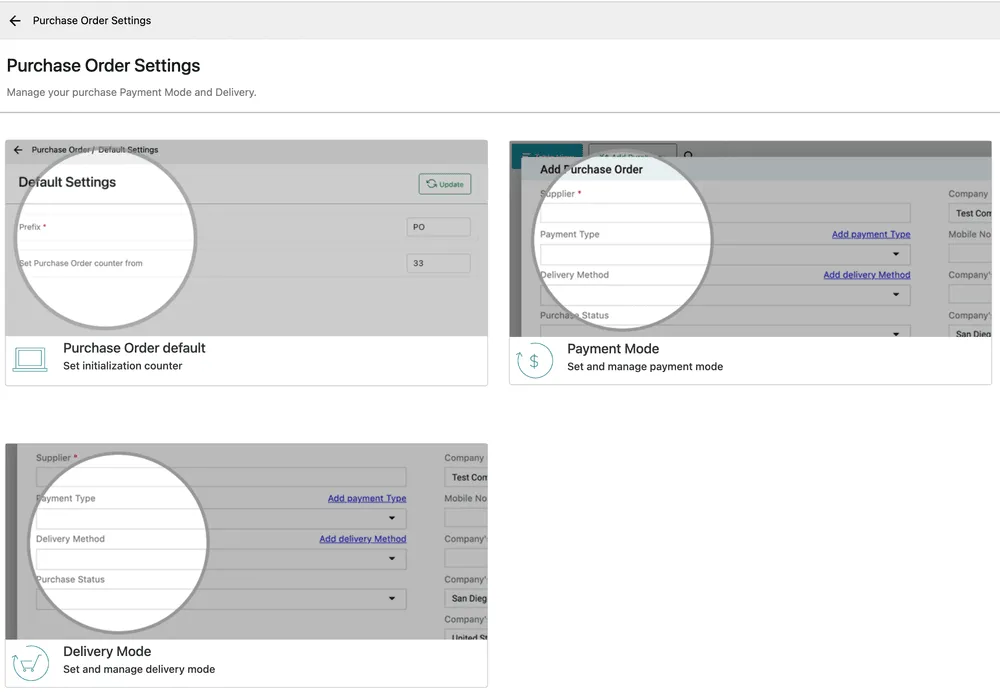
Settings → Modules → Purchase Order
Default settings
Section titled “Default settings”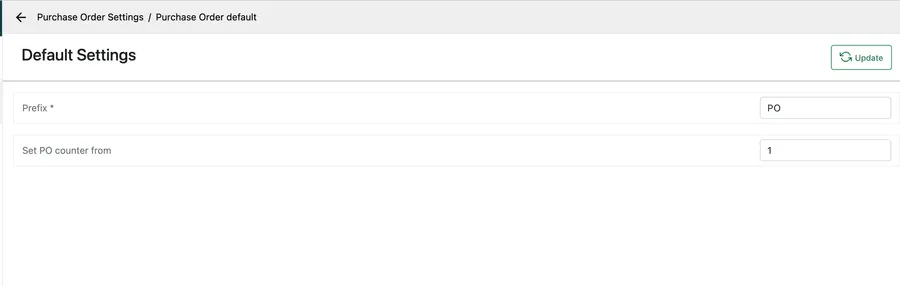
Settings → Modules → Purchase Order → Purchase Order default
Prefix is the letters in front of every PO number and is required; Set PO counter from is the number the next one takes. Update saves.
Payment mode
Section titled “Payment mode”The Payment Type a purchase order is placed on comes from the payment mode list, and that list is not kept here — there is no payment mode section on this screen.
There is one payment mode list for the whole application, and it is set under Invoice & Accounts. What you add there is what every module offers: invoices, requests, contracts and purchase orders all read the same list, so a mode added once appears everywhere and there is no second copy to keep in step. See payment modes.
Delivery mode
Section titled “Delivery mode”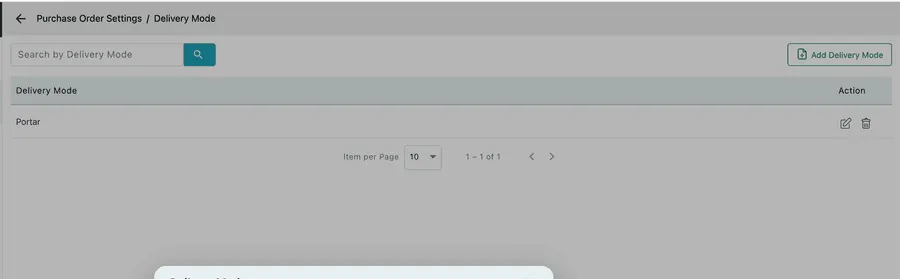
Settings → Modules → Purchase Order → Delivery Mode
How the goods get to you — courier, supplier’s van, collected by an engineer, direct to site. Add Delivery Mode adds one.
Delivery mode is worth filling in when you receive stock in more than one way, because it is what tells your stores whether to expect a pallet or whether an engineer has already taken the parts straight to a job.
Related
Section titled “Related”- Purchase orders
- Creating a purchase order
- Receiving a purchase order — where the delivery mode is recorded
- Suppliers
- Invoice and accounts settings — where payment modes are added