My equipment
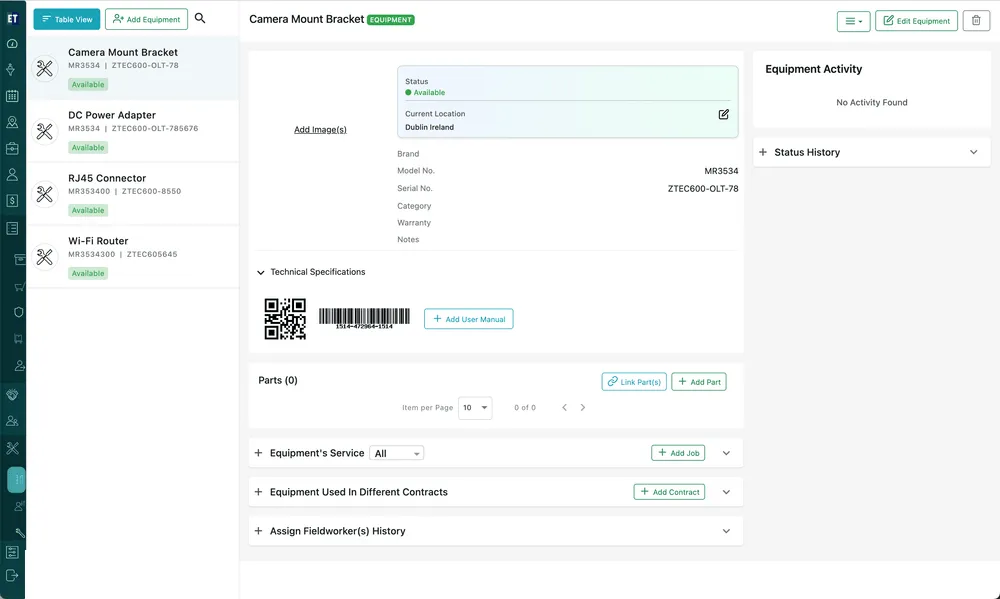
My Equipment is the equipment your organisation owns. Some of it never leaves your own use; some of it goes out to client sites, either as part of the work or on hire.
Equipment → My Equipment
The list
Section titled “The list”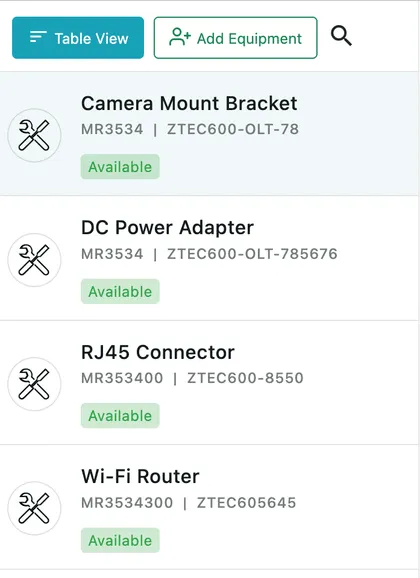
Equipment → My Equipment
Each row names the unit and carries its model number, serial number and current status. Clicking a row opens it beside the list, so you can move down your fleet without going back.
Add Equipment adds a new unit — see adding equipment. Table View swaps the list for a table you can search, filter and sort; see finding equipment.
Status and location
Section titled “Status and location”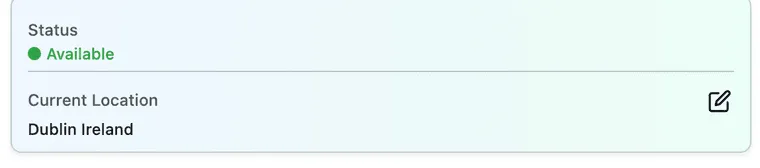
Equipment → My Equipment → the selected unit
Status is where the unit stands right now — Available while it is yours to use, Deployed once it is out at a site. The statuses themselves are yours to define, in equipment settings.
Current Location is where the unit physically is. The pencil beside it opens Set Equipment Location, which is how you record a unit as sitting at your own premises or at a client’s site — see equipment actions.
Between them, these two answer the question you actually ask about your own kit: have we got a spare, and where is it?
What the unit records
Section titled “What the unit records”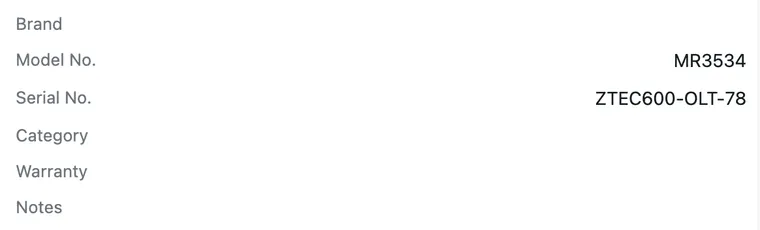
Equipment → My Equipment → the selected unit
The serial number is what makes this one unit rather than one of six. Warranty shows how long it is still covered for, and Category is the grouping you filter and report by.
The tariff rate
Section titled “The tariff rate”Your own equipment carries a Tariff Rate — the amount you charge for its use. It is set on the unit itself when you add or edit it, so the rate travels with the asset rather than being re-agreed every time it goes out.
What the rate is multiplied by depends on the agreement: a flat amount every invoice cycle, or the time the unit was actually out. See equipment on contracts for how deployed time turns into a charge.
Going out and coming back
Section titled “Going out and coming back”A unit leaves your yard through a job. On the job form, My Equipment List offers three actions — Deploy, Service on-Site and Uninstall — and the fieldworker’s app records when each one happened. See equipment on a job.
That is what keeps this list honest: deploying moves the unit’s location to the client’s site and its status to Deployed, uninstalling brings it back, and Assign Fieldworker(s) History on the unit records who has had it in the meantime.