Expense and user settings
Two of the smaller sections under Modules, both lists.
Expense category
Section titled “Expense category”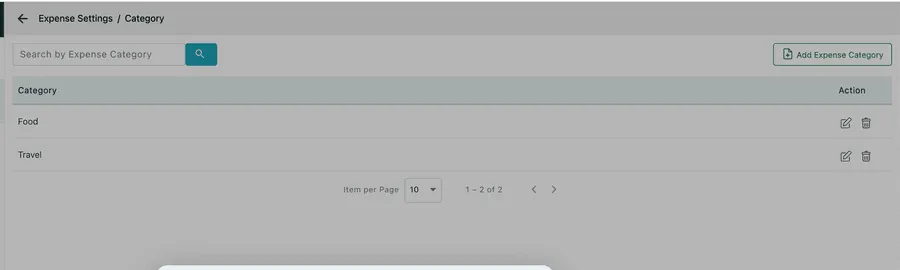
Settings → Modules → Expenses → Category
What a claim was spent on — Food, Fuel, Parking, Materials, Accommodation. Category is the field that makes an expense reportable: without it every claim is just an amount.
Add Expense Category, type the name, Save.
Expense group
Section titled “Expense group”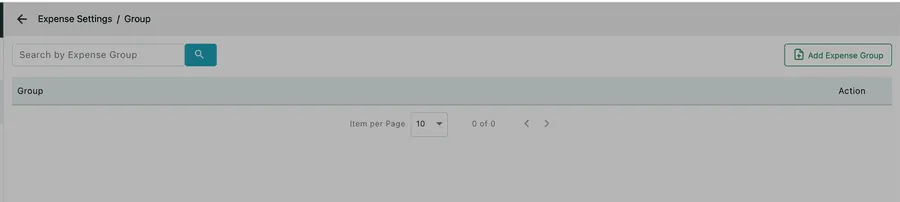
Settings → Modules → Expenses → Group
A layer above category, for rolling several categories into one heading — Travel covering fuel, parking and tolls; Subsistence covering food and accommodation.
Ships empty, and plenty of businesses never need it. Add groups when your category list has grown long enough that a report on it is hard to read.
There is more on both, and on how they are used when a claim is made, in expense categories and groups.
Leave type
Section titled “Leave type”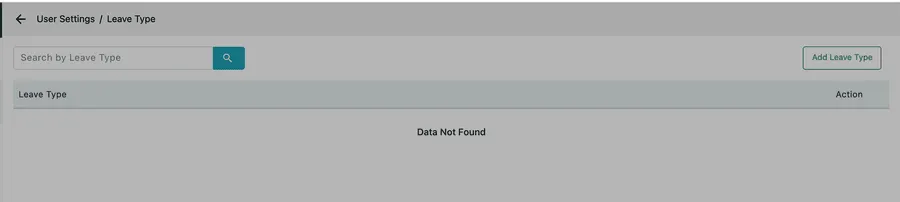
Settings → Modules → User → Leave Type
The kinds of leave your staff can book — Annual leave, Sick, Unpaid, Compassionate, Training. Add Leave Type, type the name, Save.
Ships empty, which means leave cannot be categorised until you fill it in. It is worth doing before your first leave request rather than after, because the type is what separates absence you pay for from absence you do not.
Leave is booked and approved on the person’s own record — see user expenses and leave, and expenses and leave in the app for the engineer’s end of it.
Equipment
Section titled “Equipment”The equipment lists — category, group, condition, brand and status — sit under Settings → Modules → Equipment and are documented in equipment settings.