Company branches
A branch is a place your company trades from — a second depot, a regional office, a yard in another city. If you work out of one address, the branch list is one row and you can leave it alone.
Settings → Company → Company Branches lists them.
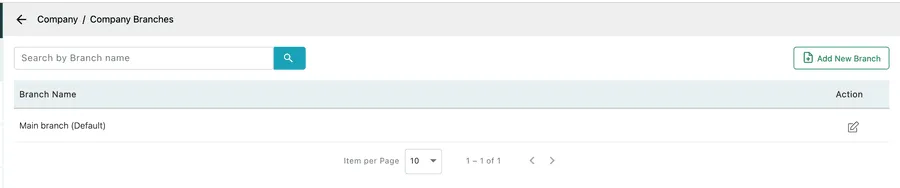
Settings → Company → Company Branches
Adding one
Section titled “Adding one”Add New Branch opens a dialog asking for Branch Name, Country, State, City and Address. Save adds it to the list.
Editing and deleting
Section titled “Editing and deleting”The pencil at the end of a row reopens that branch for editing. The bin beside it removes the branch.
The main branch cannot be deleted. It is the default, and it carries the address from your company profile — every account has one and it is the fallback when nothing else is specified.