A Contact Us form for your website
This builds the Contact Us form for your own website. Someone fills it in there, and the enquiry lands in EyeOnTask as a request — no re-typing, no missed email.
You design the form here, EyeOnTask generates a script, and you paste that script into your site.
Where to find it
Section titled “Where to find it”Settings → Modules → Request, then the fourth option, Design ContactUs form for your website.
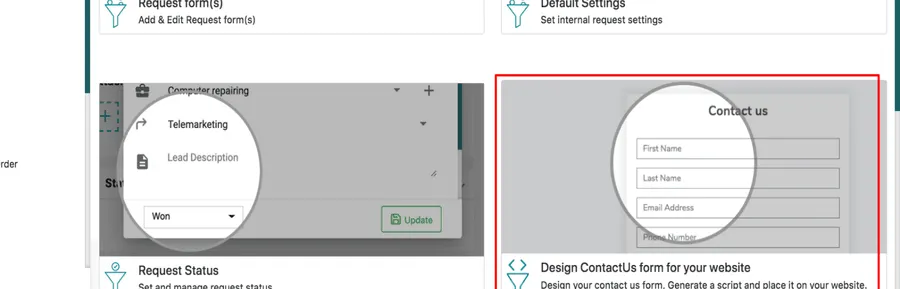
Settings → Modules → Request
The designer
Section titled “The designer”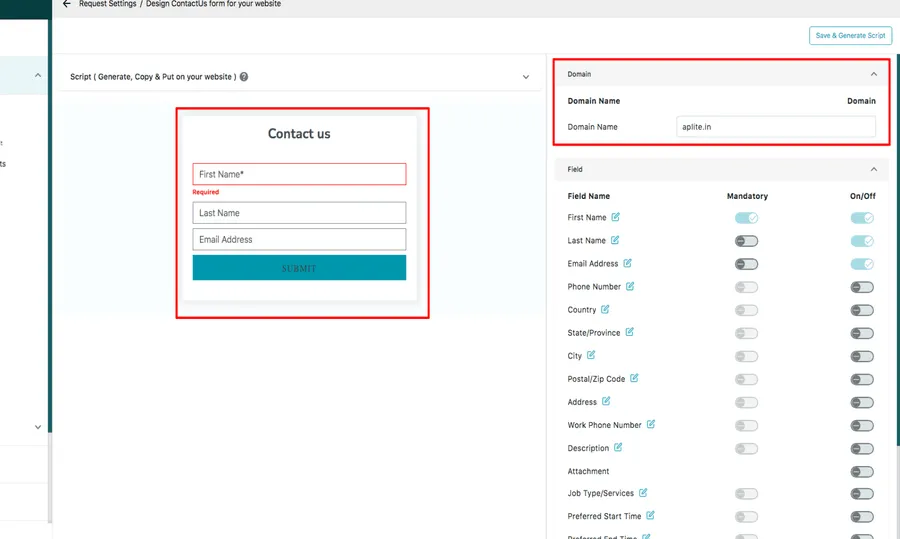
Request settings → Design ContactUs form
Domain Name is where you enter the website the form will live on. The preview in the middle updates as you change things, so you can see what the visitor will see.
Choosing the fields
Section titled “Choosing the fields”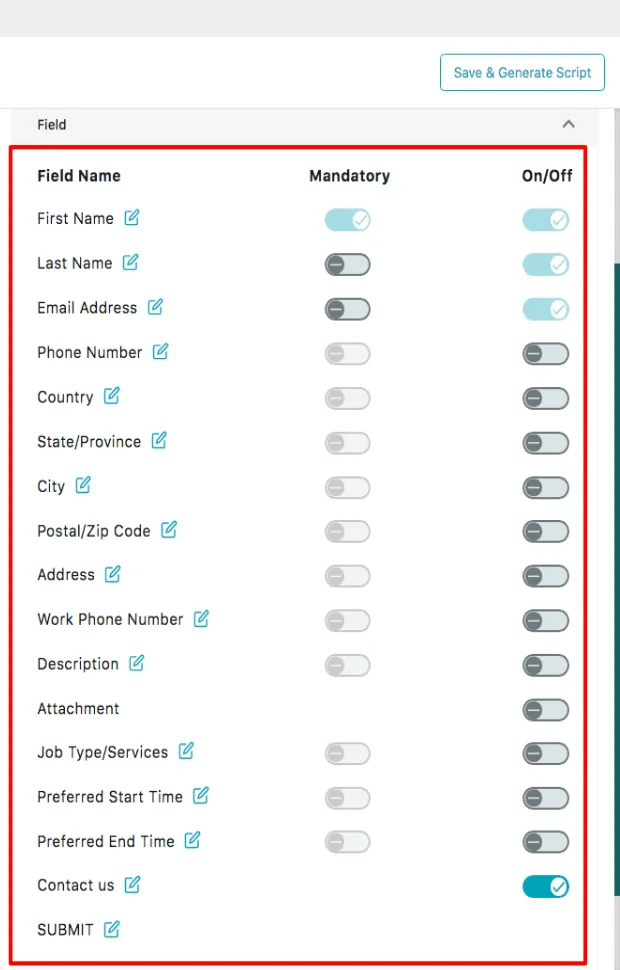
Contact Us designer → Field
Every field the form can carry is listed with two toggles:
- On/Off decides whether it appears at all. Turn Phone Number on and it shows up in the preview; turn it off and it is gone.
- Mandatory decides whether the visitor can submit without it. Make Email Address mandatory and nobody gets through without one.
The pencil beside a field renames its label, so the form can speak your customers’ language rather than the app’s.
Styling it
Section titled “Styling it”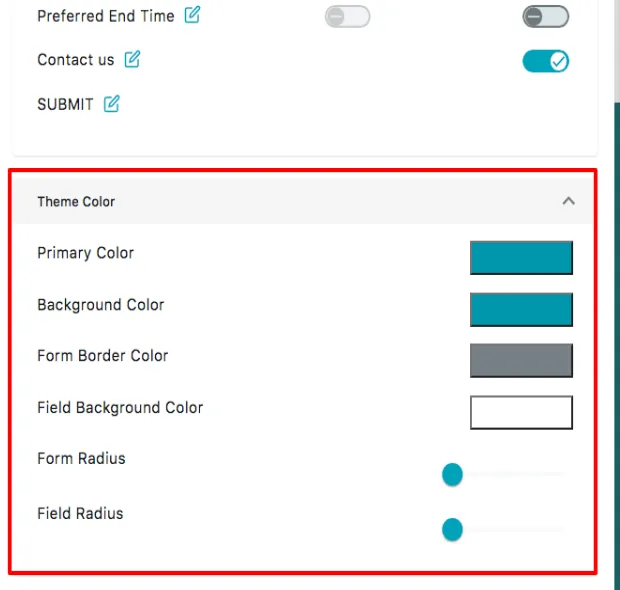
Contact Us designer → Theme
Primary Color, Background Color, Form Border Color and Field Background Color set the palette; Form Radius and Field Radius set how rounded the corners are. Match them to your site and the form stops looking bolted on.
Generating the script
Section titled “Generating the script”Save and Generate Script, top right, produces the embed code.
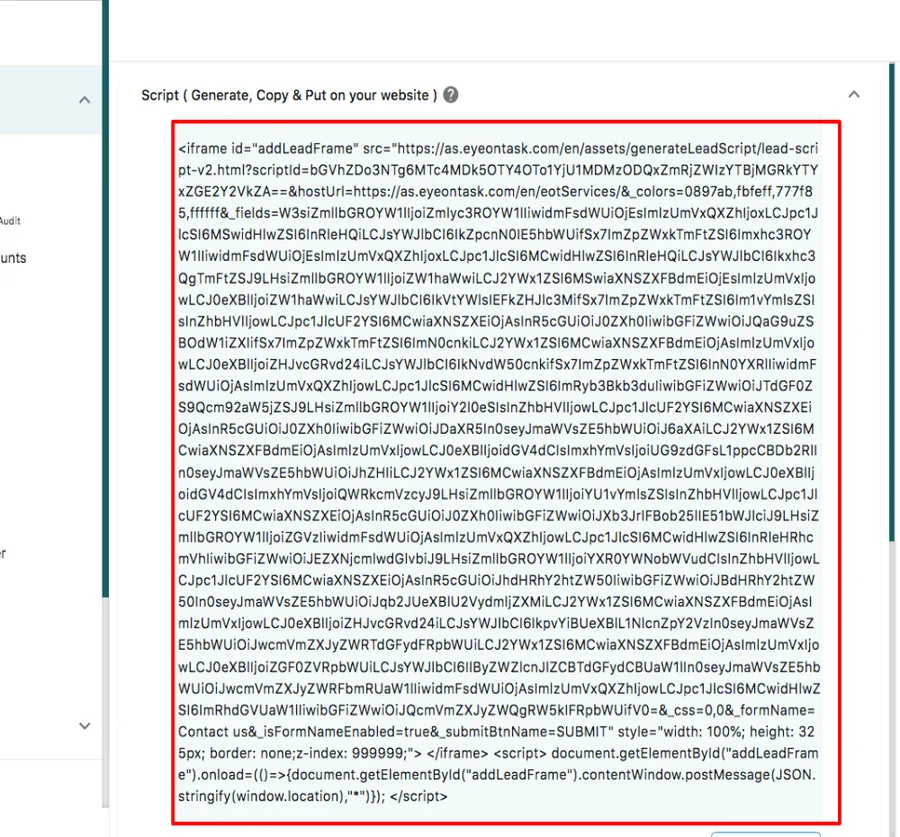
Contact Us designer → the generated script
The script appears at the top of the screen with a copy button below it — copying confirms with Text Copied Successfully. Paste it into your website’s HTML wherever the form should appear.
Where to go next
Section titled “Where to go next”- Where requests come from — this form is one of several sources
- Requests from your website — what happens to an enquiry once it arrives
- Acting on a request — turning it into a job or a quote
- Request settings — the other options beside this one