My tools
My Tools is for the kit that does the work rather than the kit you install: drills, pumps, gauges, ladders. A tool is not deployed at a client’s site and it is not leased — it is held by a person and taken to a job.
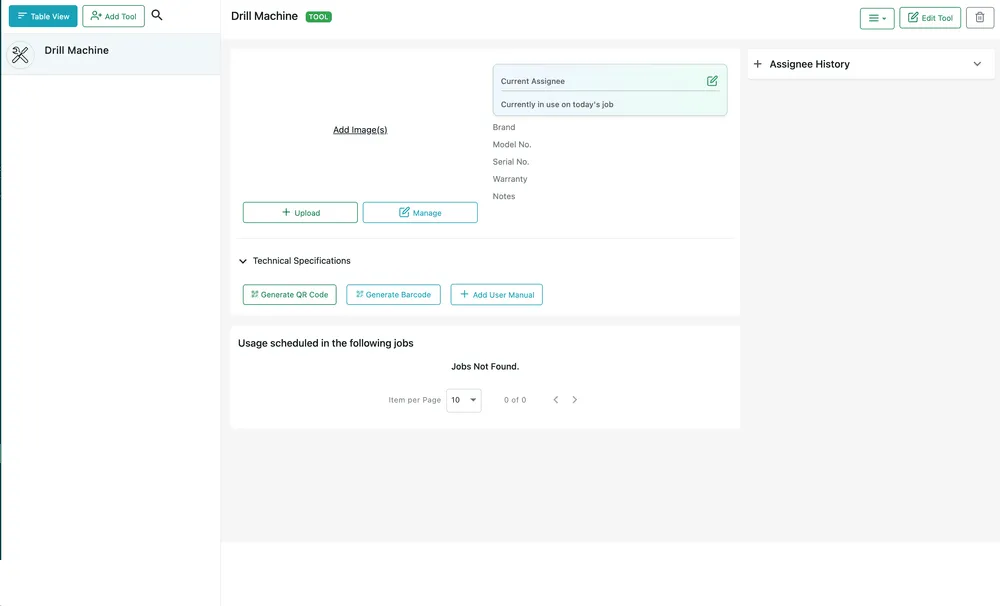
Equipment → My Tools
Who has it
Section titled “Who has it”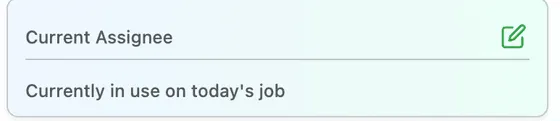
Equipment → My Tools → the selected tool
Current Assignee is the one thing you look up about a tool. The pencil opens Assign To User(s), and a tool that is out on a job today says so.
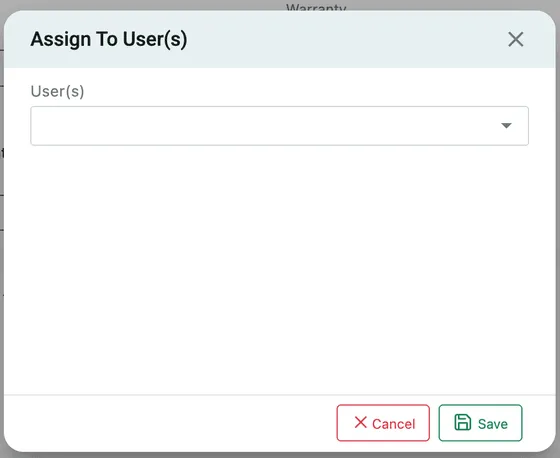
My Tools → the selected tool → Current Assignee
Pick the user and Save. Assignee History on the right of the page records everybody who has had it, which is where you start when a tool goes missing.
Adding a tool
Section titled “Adding a tool”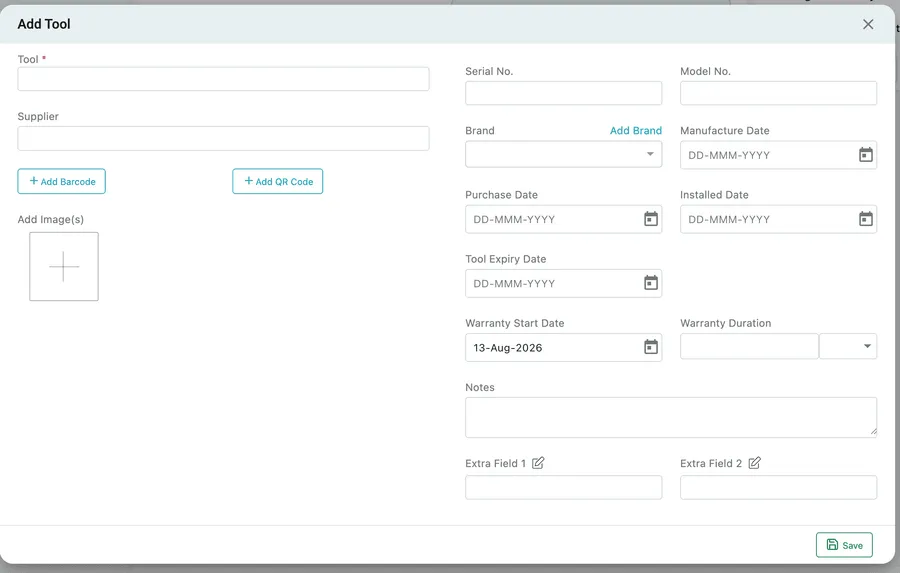
Equipment → My Tools → Add Tool
Only the Tool name is required. The rest describes the individual item:
- Supplier, Serial No., Model No. and Brand identify it and say where it came from.
- Manufacture Date, Purchase Date, Installed Date and Tool Expiry Date track its life.
- Warranty Start Date and Warranty Duration set the cover.
- Add Barcode, Add QR Code and Add Image(s) make it identifiable in a van full of similar boxes.
- Extra Field 1 and Extra Field 2 are yours to name with the pencil beside each — calibration date, PAT test, asset tag.
A tool has no client, no location and no status, because those questions do not apply to it. Who holds it does.
Technical specifications
Section titled “Technical specifications”Generate QR Code, Generate Barcode and Add User Manual work as they do on equipment — a code stuck on the case, and the manual attached to it. See the equipment page.
Where it is needed
Section titled “Where it is needed”
Equipment → My Tools → the selected tool
Usage scheduled in the following jobs lists the jobs this tool is booked out on, which is how you spot two crews expecting the same vacuum pump on the same morning.
Tools reach that list from the job side: Tools Required on the job form is the pack-before-you-go list, and it travels with the job to the fieldworker’s phone. See equipment on a job.